Skip to content
Meet Rendo Kiosk

Self-service. Made simple.

Rendo POS connects QR ordering, kiosks and cashier service for self-service venues in North Macedonia.

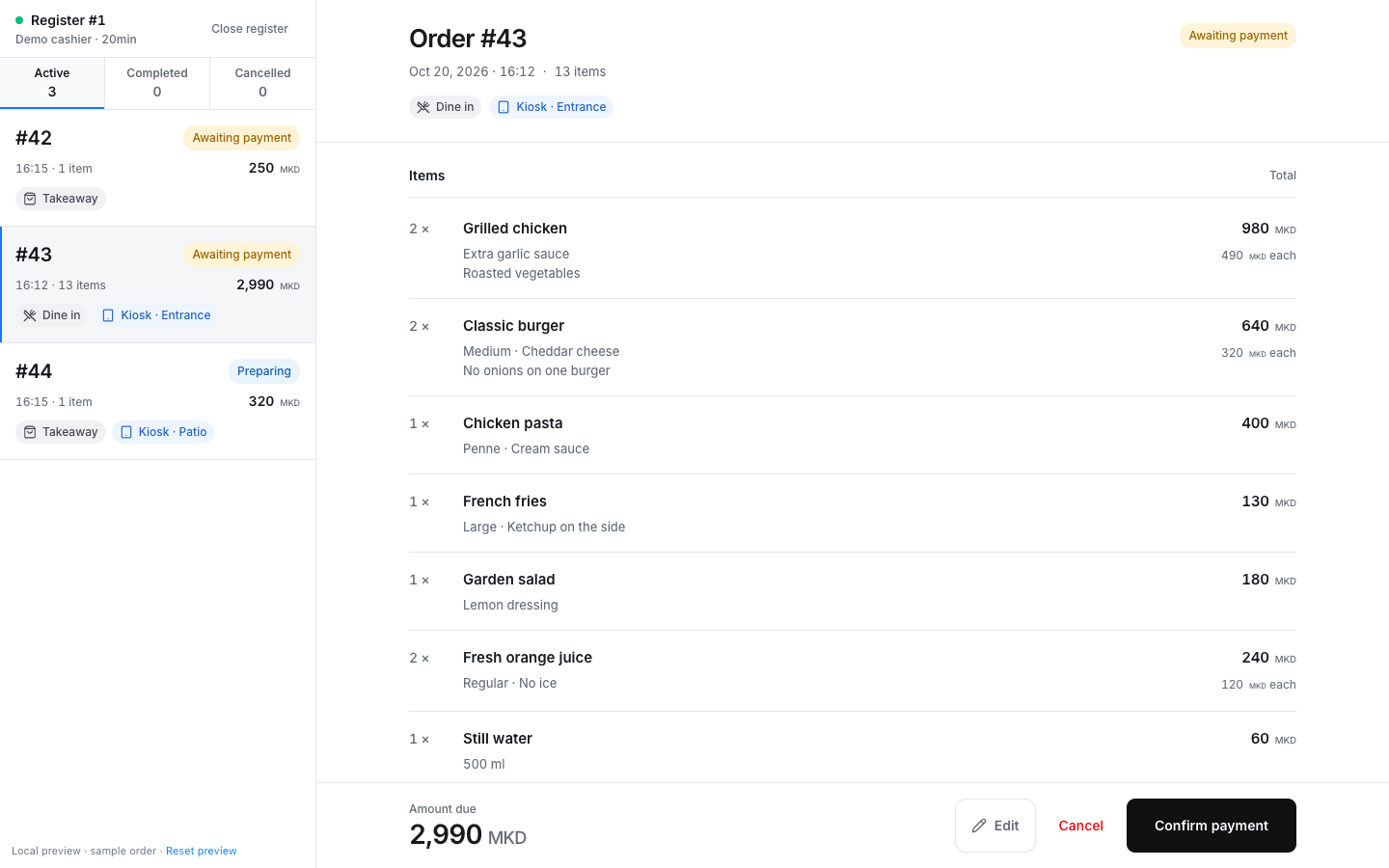
Rendo cashier order queue with item options, order status and payment confirmation on an illustrated touchscreen POS
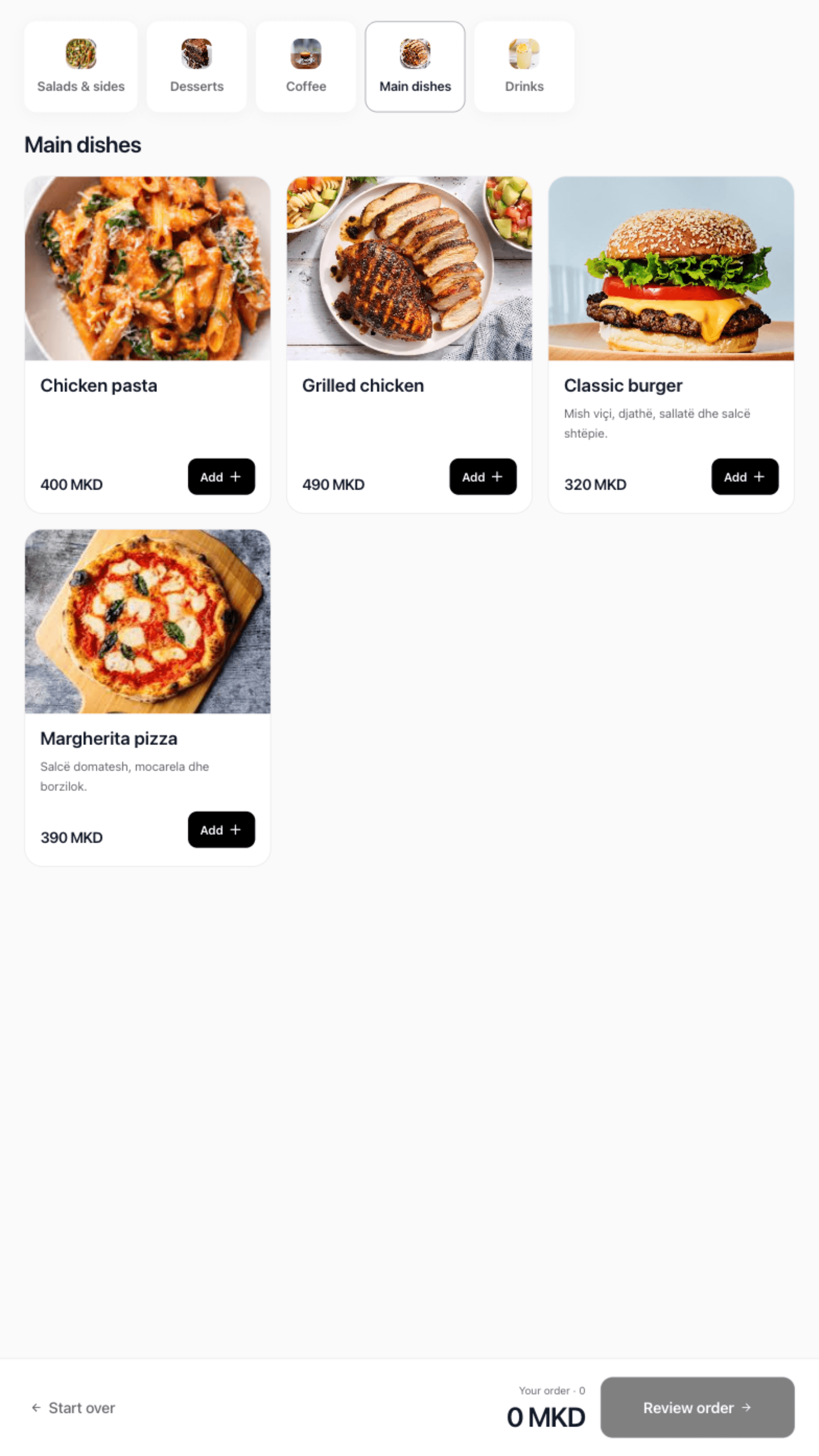
Rendo Kiosk showing the guest ordering menu
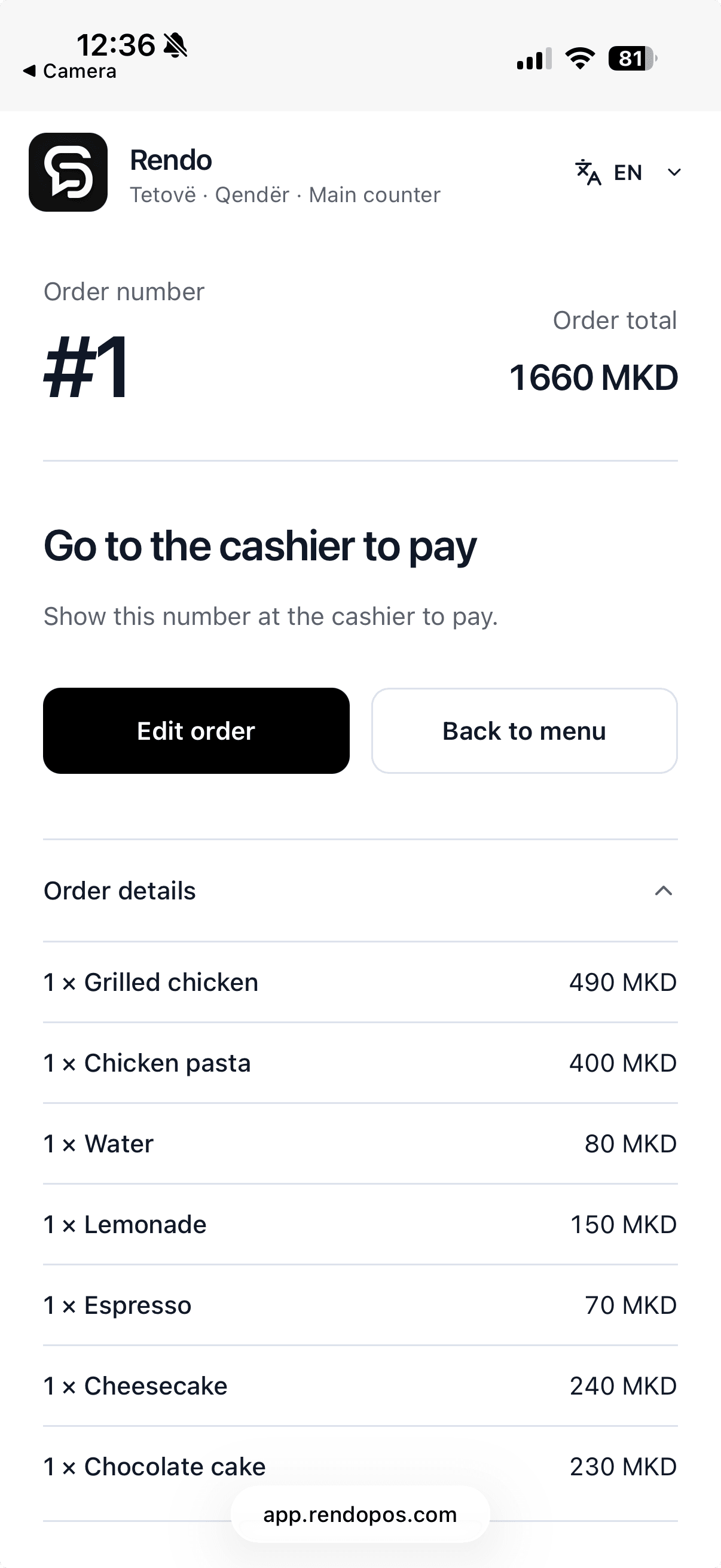
Rendo QR order status showing the order number and payment at the cashier
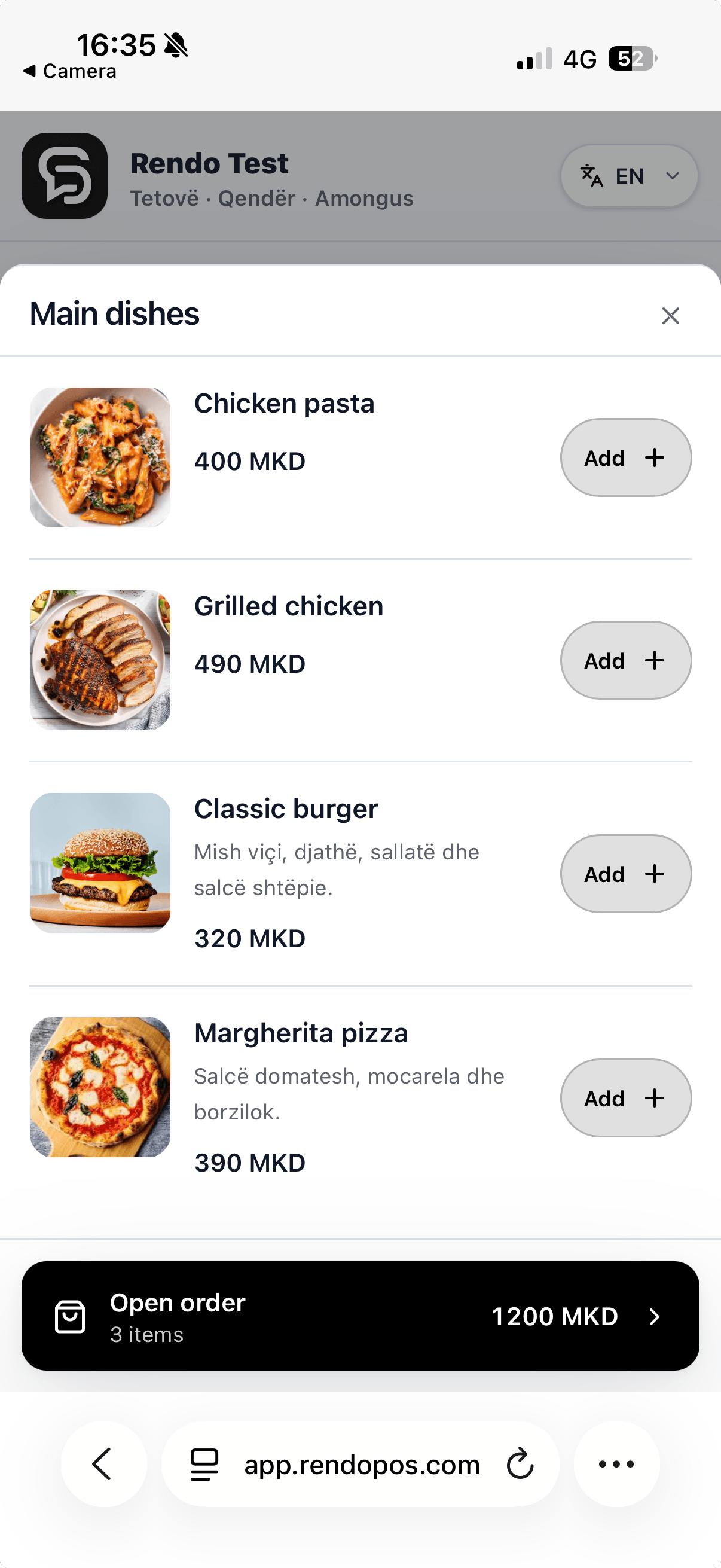
Actual Rendo QR product list on an illustrated phone
Ulliri GardenGarden
Ulliri Restaurant

Explore the product

Your counter, kitchen and branches. Connected. Take the order. Send it to the right team. Know what is ready and how each location is doing.

Let guests order from their phones. Guests scan the QR menu, choose their items and pay at the counter. Your cashier confirms payment before preparation. QR ordering is included in Flow and Pro.
Explore QR ordering

QR ordering in Rendo

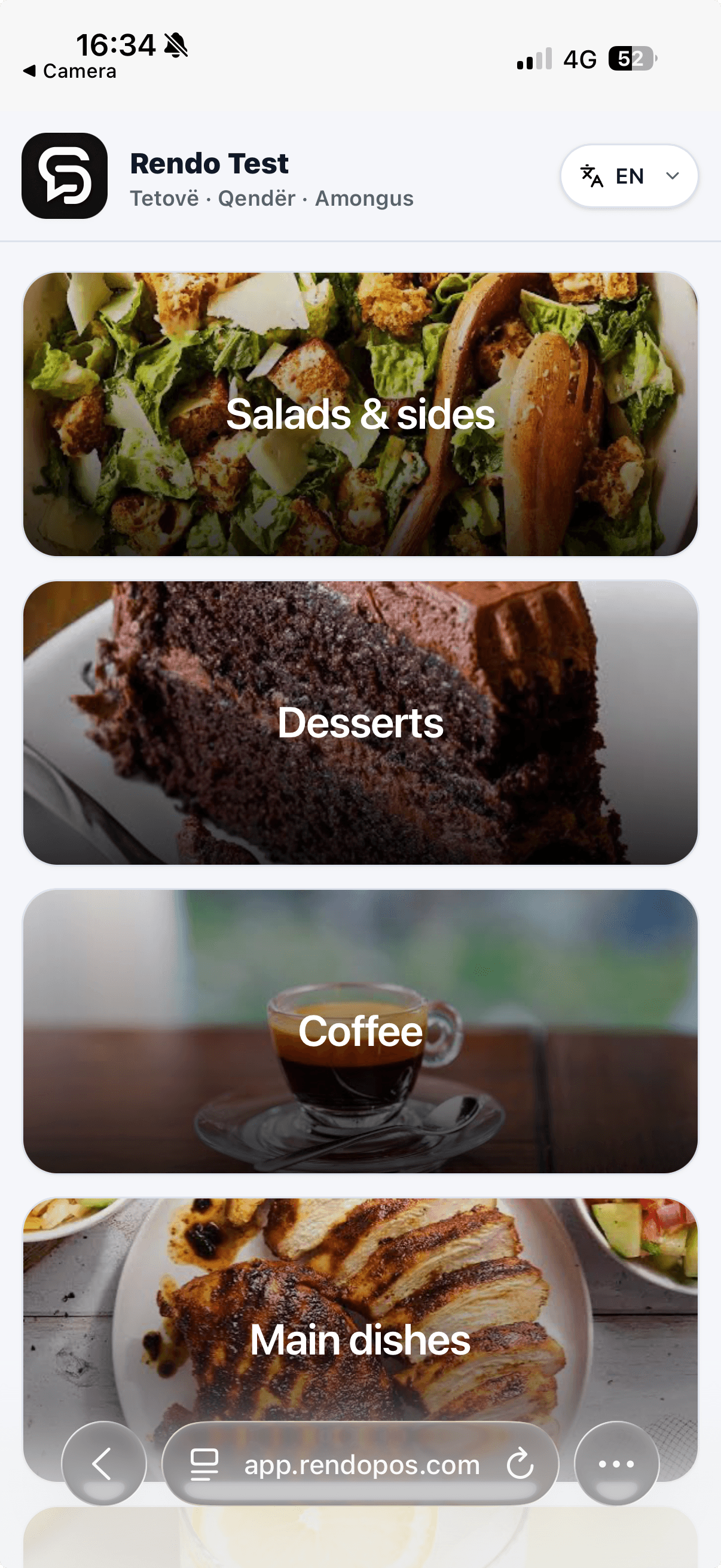
Actual Rendo QR menu categories on an illustrated phone
Actual Rendo QR product list on an illustrated phone

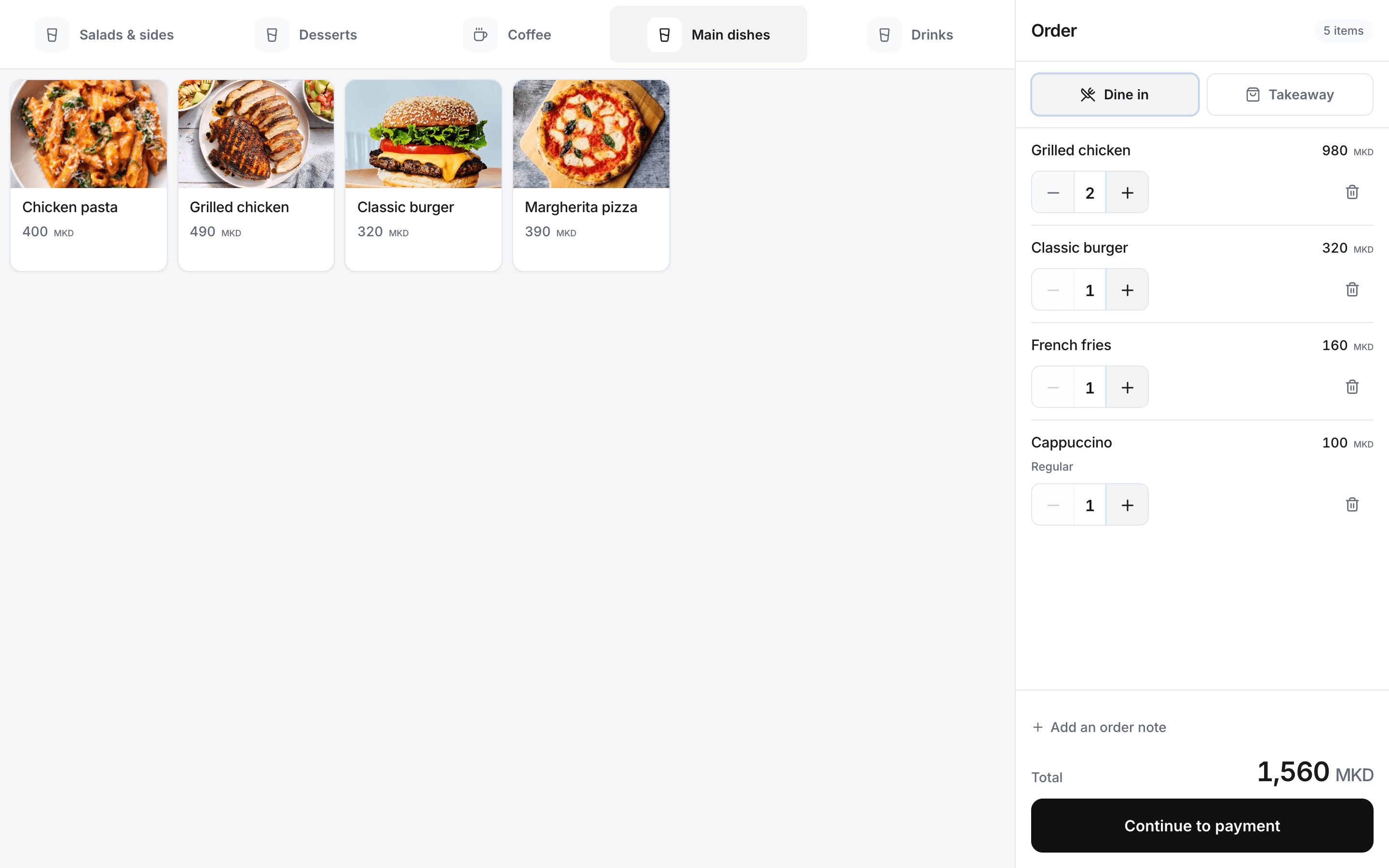
Take the order once. Choose sizes, extras and notes at the till. With Flow or Pro, send paid counter orders to the kitchen printer.

Actual Rendo cashier screen on an illustrated touchscreen POS terminal

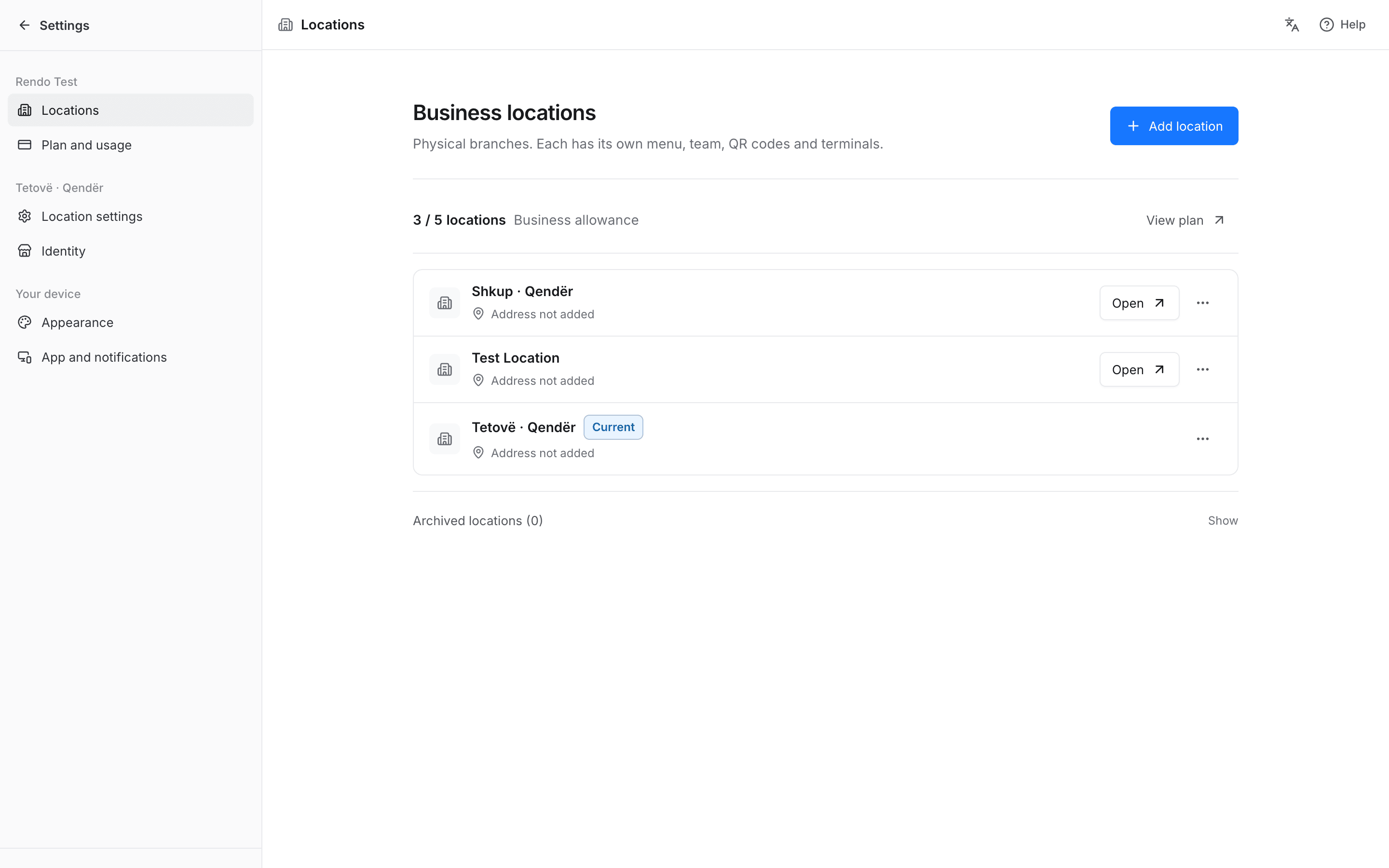
One business. Every branch in view. Open each location’s sales, menu and team from the same dashboard. Start a new branch with a copied menu, then manage its prices and availability separately.

Rendo branch management on an illustrated laptop

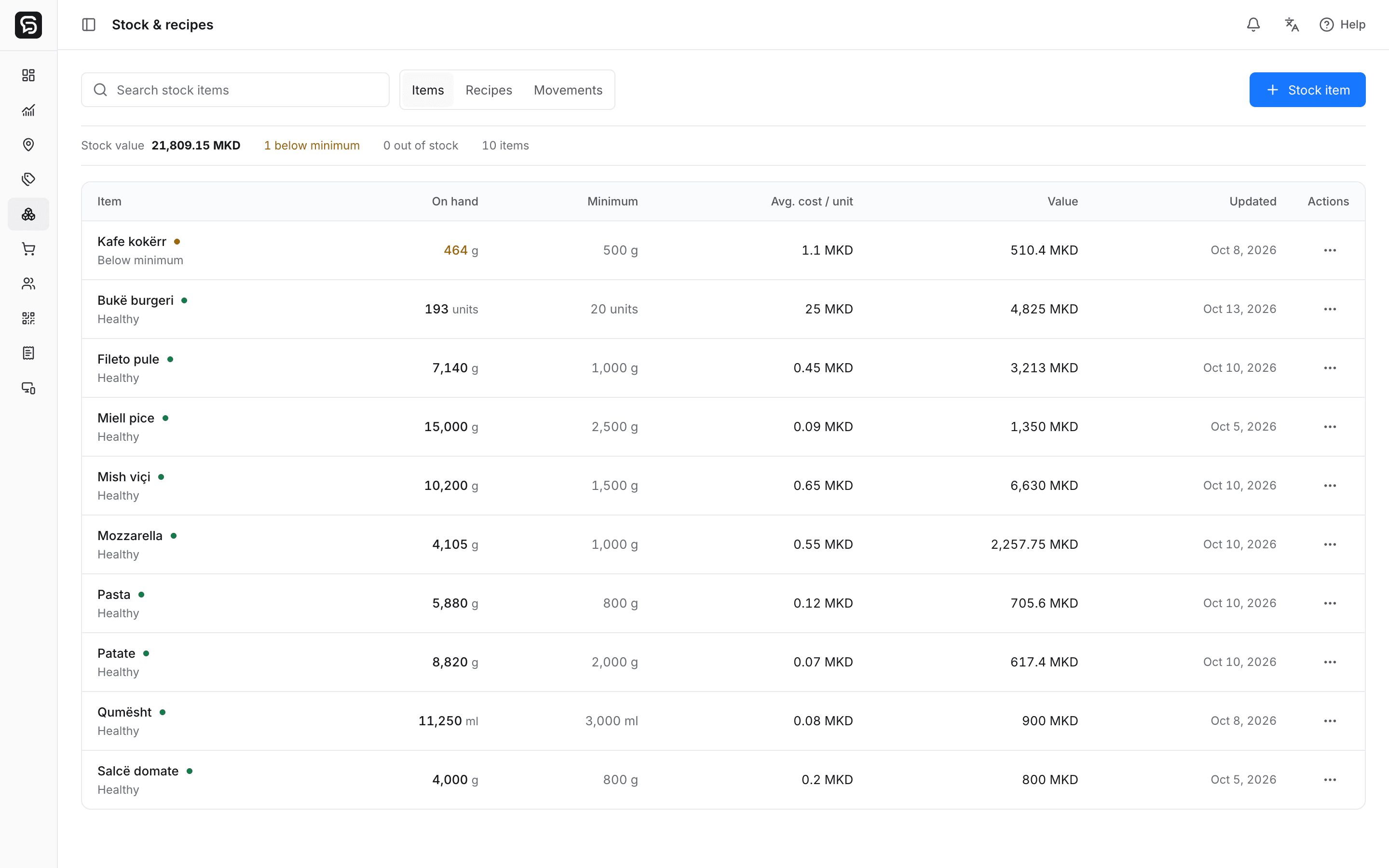
Know what each sale uses. Track ingredients and recipe use with the optional Stock & Recipes add-on, including minimum levels and low-stock phone alerts.

Rendo stock and ingredients on an illustrated laptop

Recipes connected to products.

Set ingredient quantities and review recipe costs. Products without a recipe stay visible for follow-up.
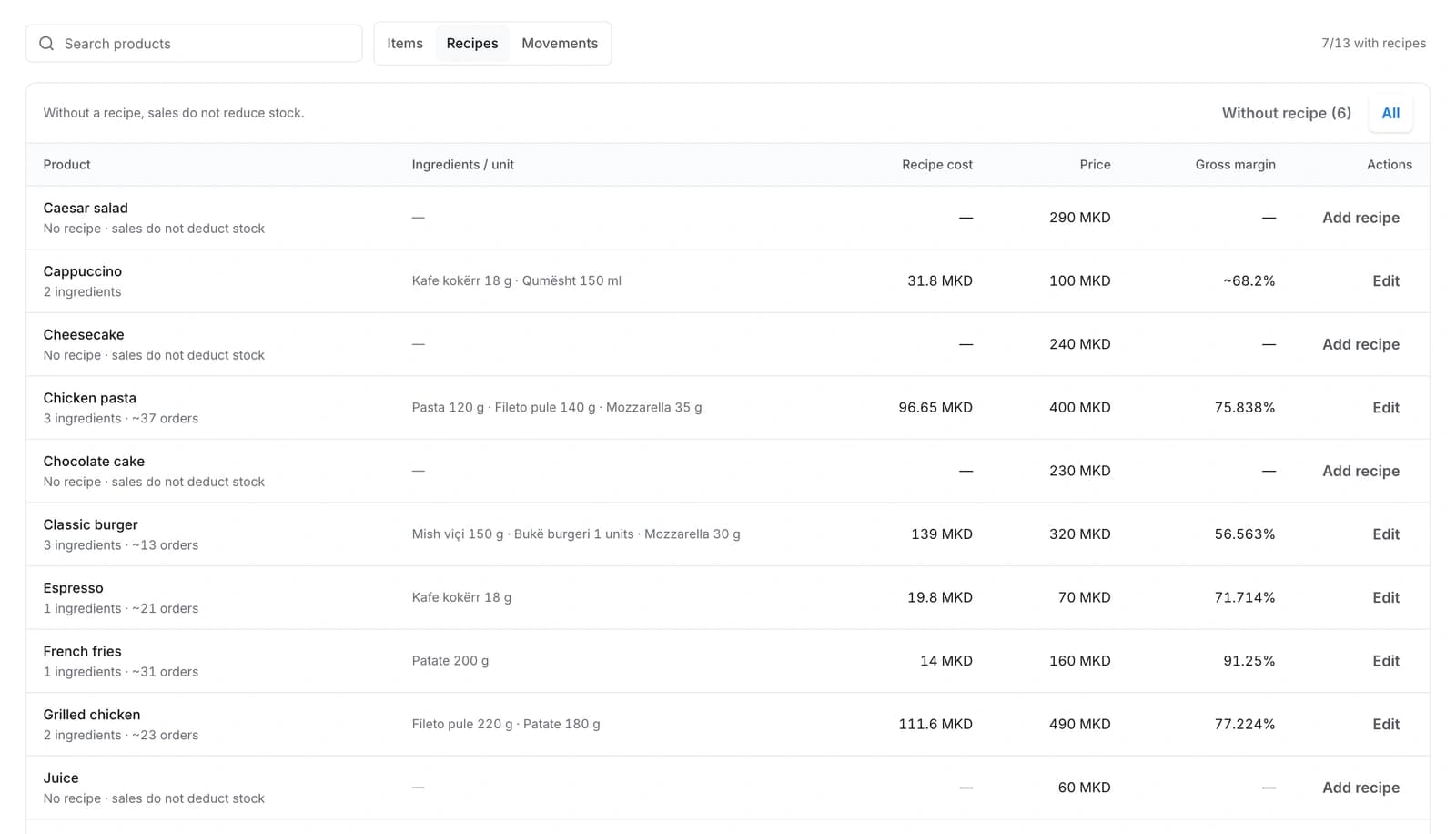
Actual Rendo recipe list showing ingredient quantities and recipe costs in a demo workspace

Every stock change, recorded.

Review sales deductions, deliveries, counts and waste in the stock movement history.
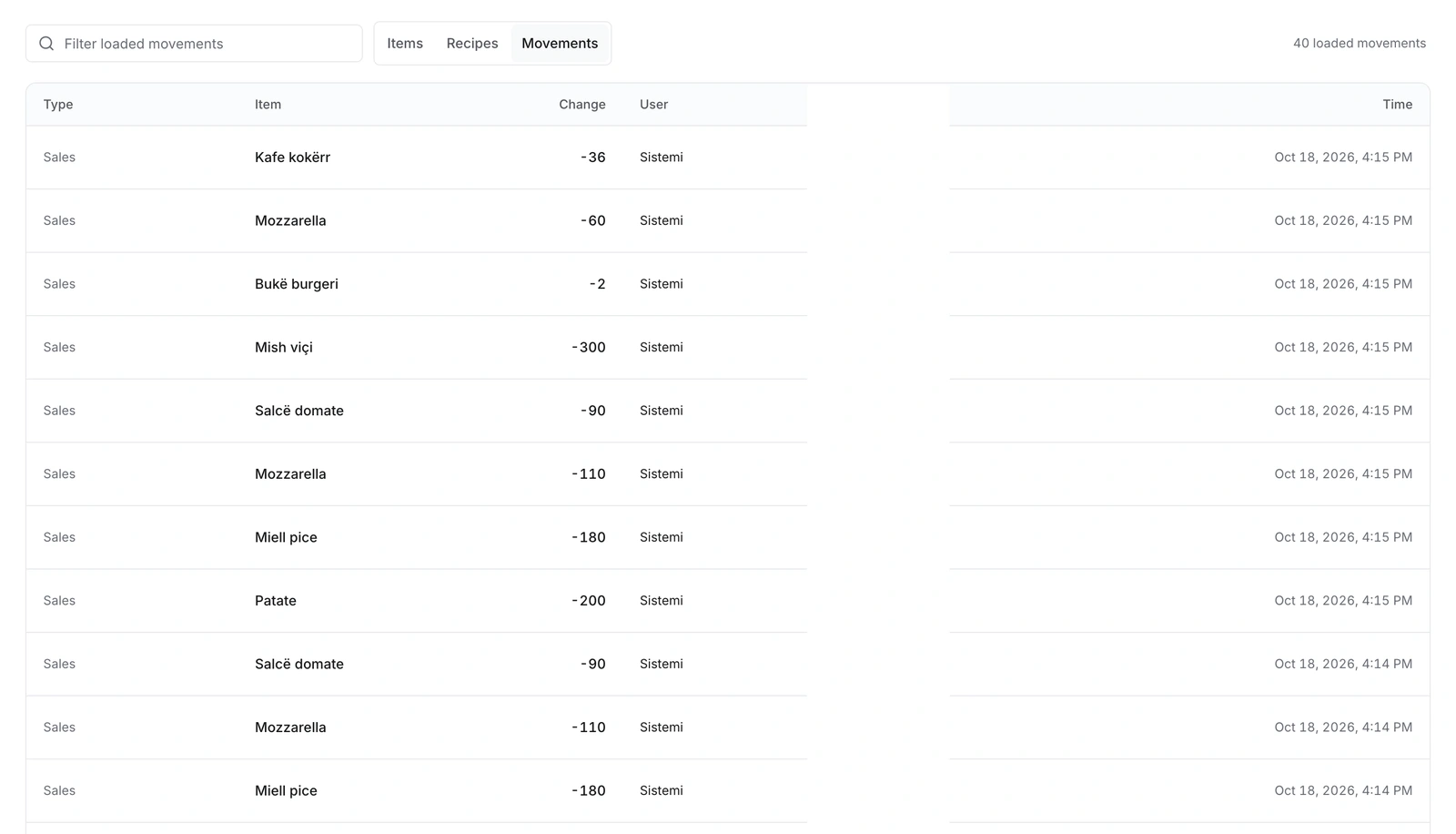
Actual Rendo stock movements with order identifiers redacted

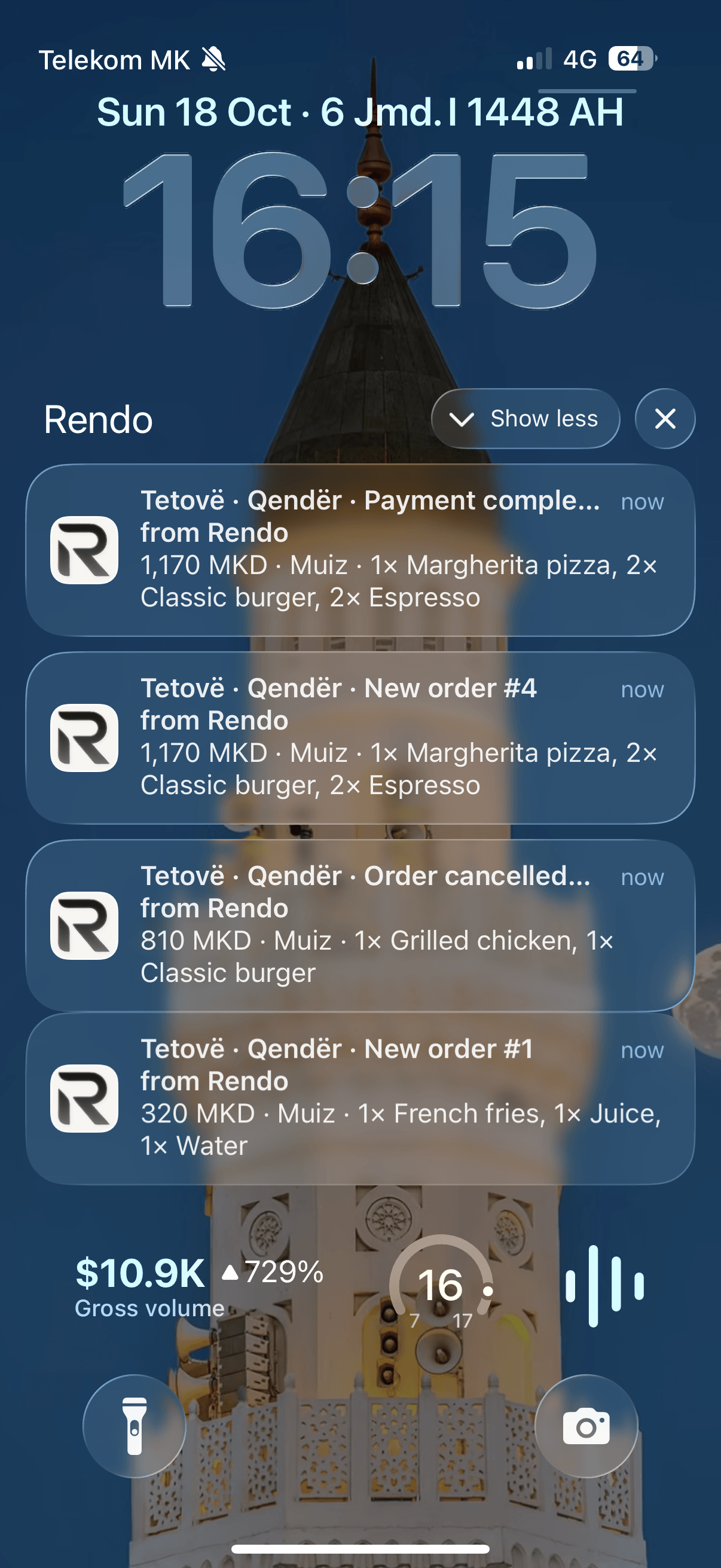
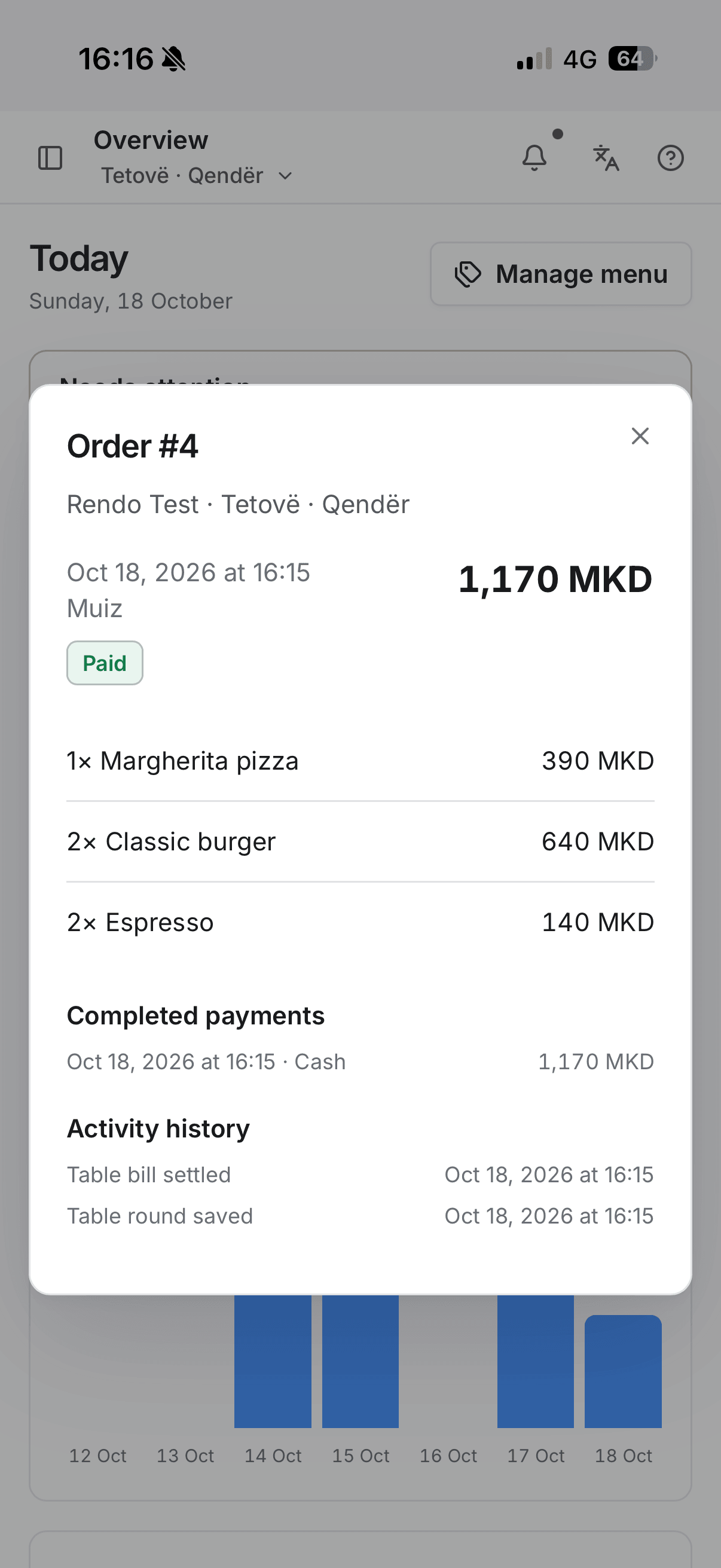
See the activity. Open the detail. Receive recorded order, payment and staff activity on your phone with the optional Activity Alerts add-on.

Actual Rendo activity notifications on an illustrated phone
Full Rendo order and payment details on an illustrated phone

Rendo Kiosk

Let guests build their order. Dine in or take away. Customize on screen, then pay at the counter.

Explore Rendo Kiosk
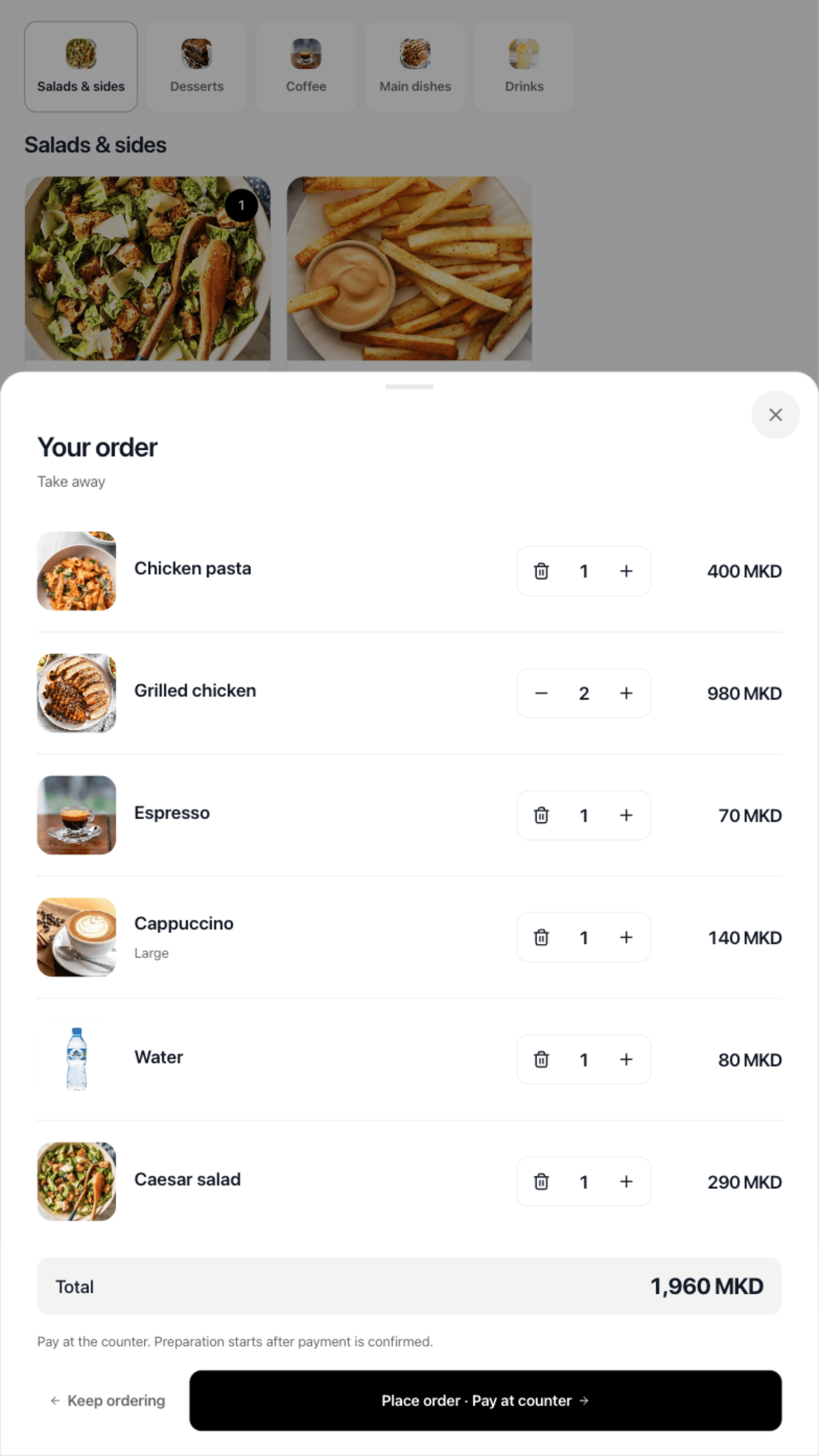
Illustrated self-service kiosk showing the actual Rendo ordering screen — Check before sending.
“Rendo fits our venue perfectly. Orders are more accurate, and guests spend less time waiting at the cashier.”
Naser SelmaniOwner · Ulliri Garden

Rendo in service

Real service. Real volume. One connected flow for a busy venue.

Ulliri Garden · orders in two months
6K+
Ulliri Garden · summer availability
99.9%
staff capacity/location · Pro
30
monthly event capacity · Activity Alerts
50K
Read the Ulliri Garden story

Setup with your team

Setup, hardware and training.

We prepare your menu, configure supported POS and printers, and train your team.

Plan your setup
  • Your menu, prepared

    We help add your products, prices, sizes and extras.

  • Set up for your venue

    Menu, staff access and ordering tools, configured around your plan.

  • Equipment, configured

    We configure supported POS terminals and printers, then test the actual order and print flow.

  • Your team, trained

    We show staff how to use Rendo and help with launch.

  • Switching made clearer

    We review your current menu and files, then agree what can move.

    Read the switching guide

See your menu in Rendo.

Walk through a counter order, kitchen ticket and pickup with your team. Tell us how many locations you run.